Behind the site
How urlflows.app is made and what it does, in pictures. Plain files, no framework and one hooded mascot.
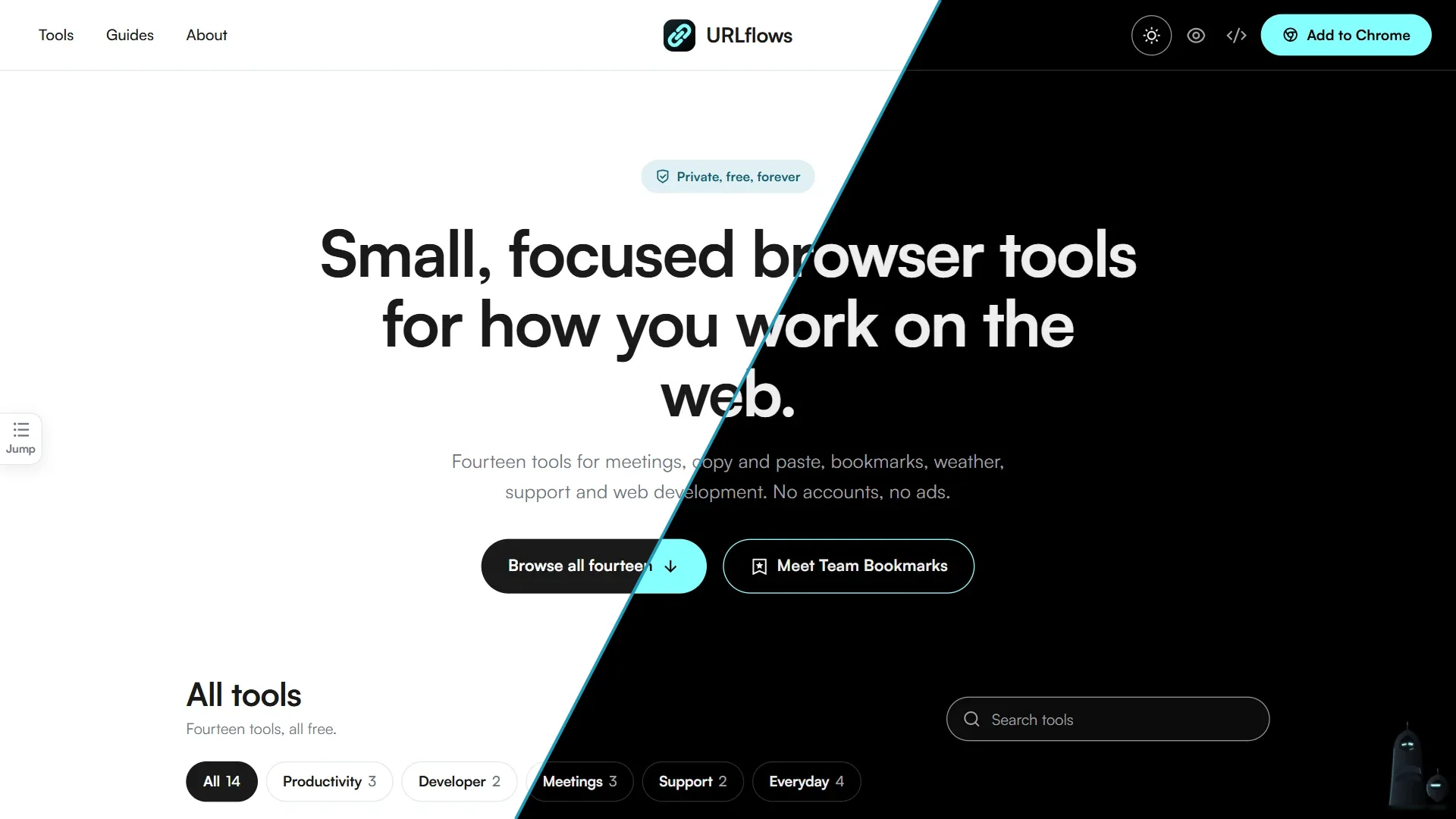
- 14tools
- 180+help articles
- 25Sable poses
- 2themes
- 0frameworks
Plain files, on purpose
The site is HTML, CSS and a little JavaScript. There’s no framework, no package manager and no database, so there’s very little to load and very little to break.
- HTMLEvery page is a plain file, readable without running anything.
- CSSOne stylesheet for the whole site, with colors kept as named tokens.
- JavaScriptPlain and hand-written. No libraries, just a few small files.
- GitHub PagesHosts the files at urlflows.app.
- GitHub ActionsRebuilds the generated parts on every update.
- Node.js scriptsWrite the catalog, the sitemap and the images.
- PagefindFull-text search that runs in your browser.
- Google Sheets and Apps ScriptReceive what people send through the form.
- reCAPTCHAKeeps spam out of that form.
- Google Analytics 4Counts visits, with consent where the law asks for it.
- SatoshiThe typeface, served from this site, not a font service.
- Remix IconEvery icon, drawn inline as SVG.
- Headless ChromeDraws the share cards and the pictures on this page.
- Schema.org dataTells search engines what each page is about.
How a page comes together
There’s no template engine. Each page holds its own content and three empty placeholders, and one small script fetches the header, footer and Sable into them.
Change the header once and every page has it. Because those shared parts arrive separately, the site’s search only ever indexes what’s unique to each page.
From update to live
Every update starts the same automatic run. The parts that would go stale if written by hand get written by a script instead.
- UpdateA change is pushed to GitHub.
- CatalogThe home page cards and llms.txt are written from one list.
- SitemapEvery public page, dated from its last change.
- Search indexPagefind reads every page and builds the index.
- LiveGitHub Pages publishes the result.
One list, seventeen cards
A single data file holds each tool’s name, category, description and links. A script turns it into the home page cards, so nobody edits them by hand.
The chips and search box filter cards that are already on the page. Your filter goes in the address, so a filtered view can be shared, and every card still shows without JavaScript.
Product pages
Each product gets the same page: what it does, an install button, a line of promises (private, free, no account, no ads), and a real screenshot.
Install buttons go straight to the Chrome Web Store. Hidden data tells search engines the page describes free software, and which version is current.
Pictures open large
Click any screenshot, here or on a product page, and it opens in a viewer built on the browser’s own dialog element. Esc and clicking outside both close it, and focus goes back where it was.
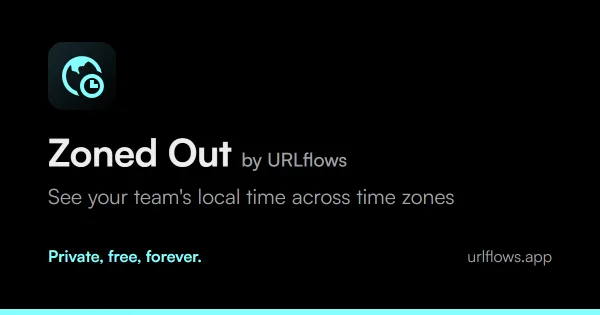
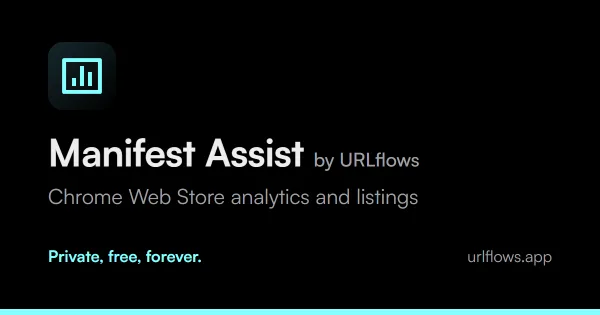
A share card for every product
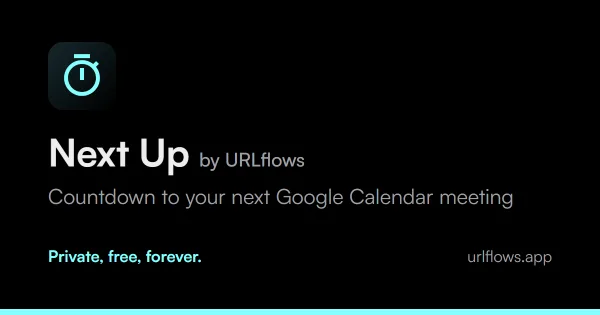
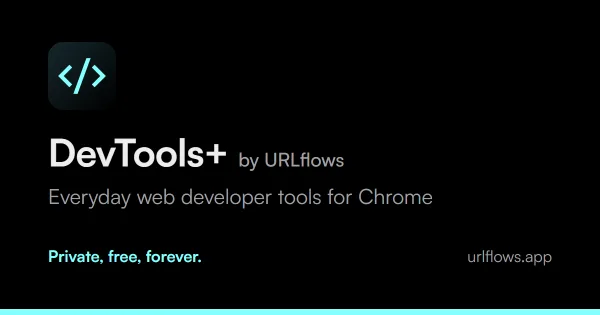
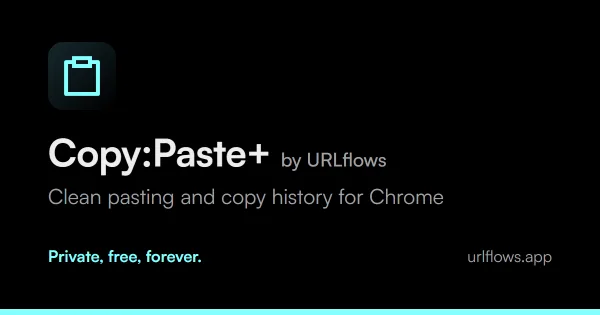
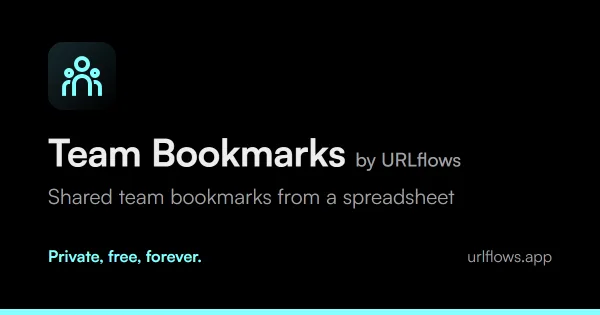
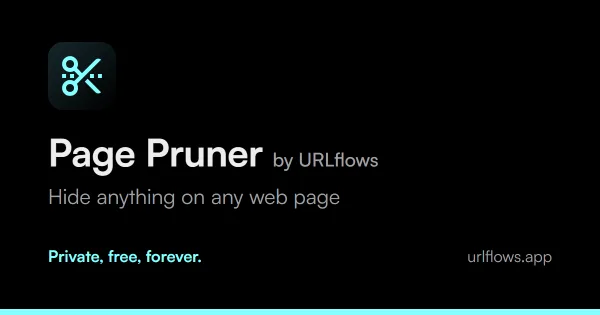
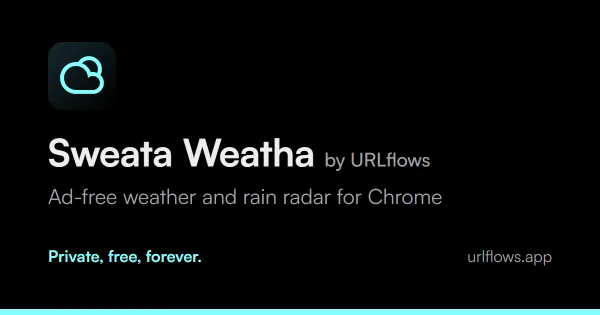
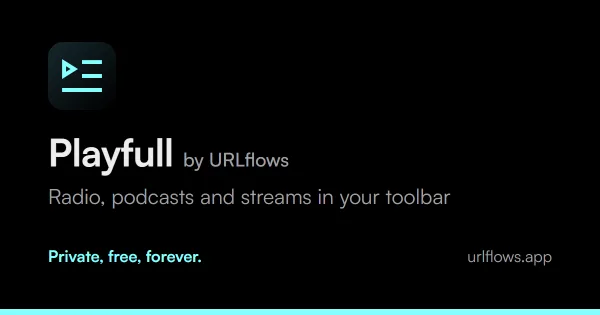
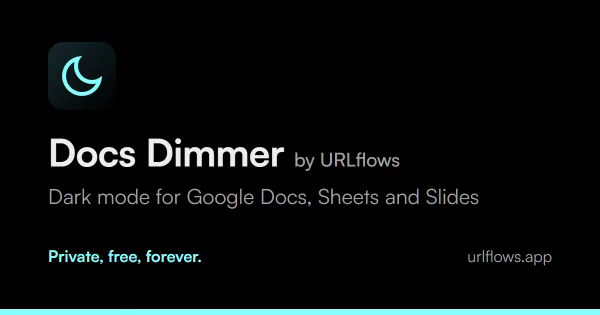
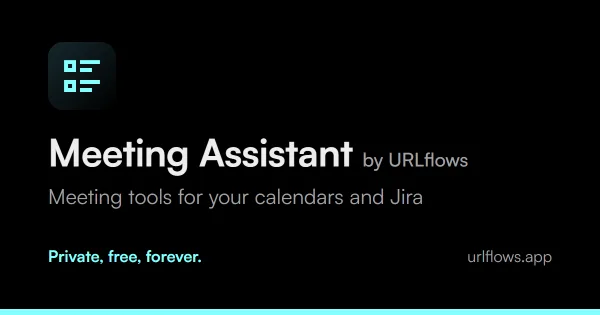
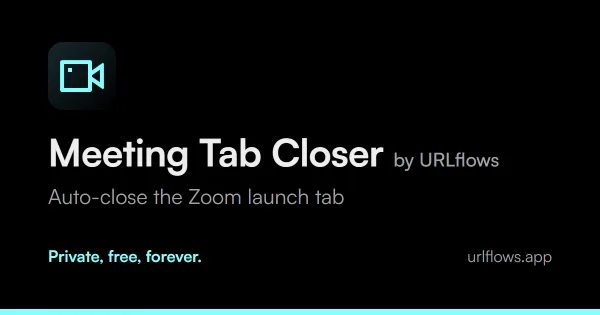
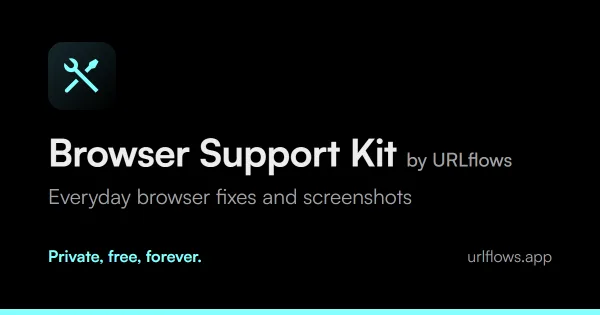
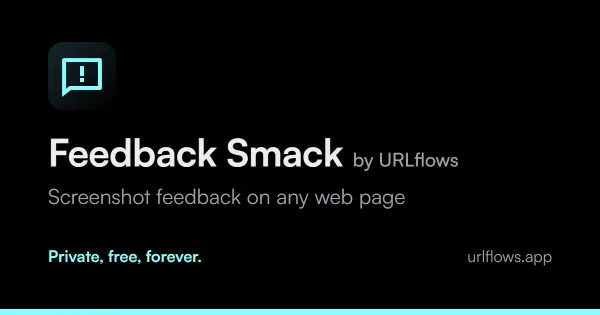
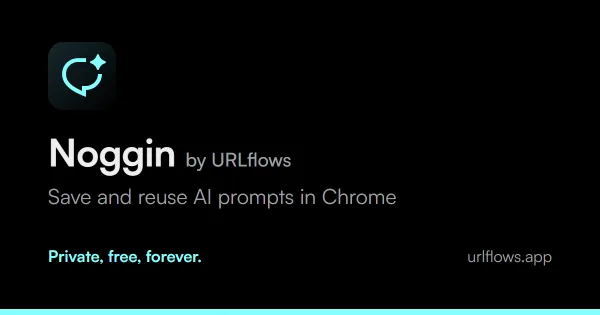
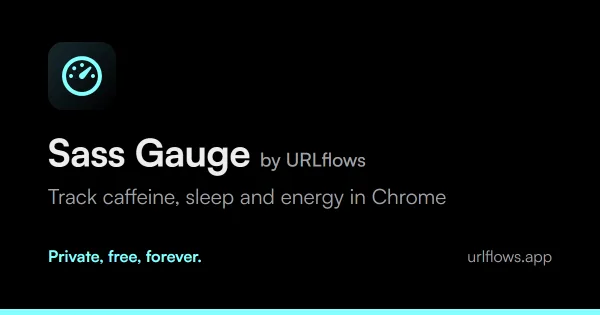
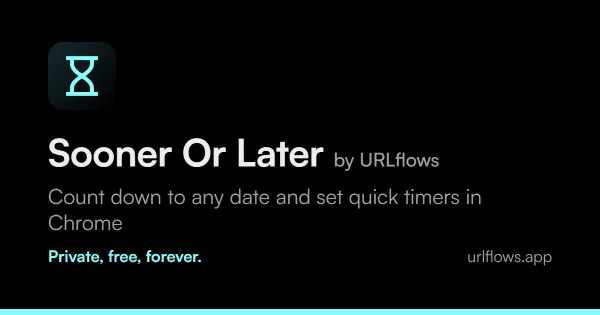
When someone pastes a link into a chat, this is what appears. Each card is an HTML layout that a script draws in headless Chrome, so a new tagline is one command away.
The help center, search and how-to guides
All seventeen products share one structure, so once you’ve found your way around one, you can find your way around them all.
- Help CenterSeventeen product cards, the how-to guides and search.
- Product hubGetting Started, Core How-Tos, Customize & Configure, and Privacy, Data & Troubleshooting.
- ArticleOne how-to, with its read time, contents and next steps added by script.
The look
Colors, type and shapes come from one design kit that every URLflows extension also uses. A script copies it out and reports anything that has drifted.
bgsurfacesurface-2textmutedborderaccentlinkprimary




Two themes, no flash
Light is the default and dark is your choice. One line in each page’s head applies a saved choice before anything is drawn, so a dark-mode reader never sees a white flash.
Every screen size
Layouts reflow from a small phone to a large monitor, and the navigation folds into a menu under 768 pixels.
Sable
Sable is the site’s lead character: a hooded charcoal sentinel with two slits of light for eyes. His voice is dry and a little sarcastic, but every line points somewhere useful.
- Antenna. A single lit tip.
- Hood. Tilts for thinking, reading and looking back.
- Eyes. Two slanted slits that follow your pointer.
- The smirk. One short line of light. He always wears it, unless he’s annoyed.
- Rim light. Teal in the light theme, cyan in the dark.
- Mitts. No fingers. He brings this up a lot.
- Glow. A faint pool of light where he stands.
Drawn by code
There are no image files of Sable. One script draws him as SVG from a set of named poses, and two CSS variables supply his light, so the theme switch recolors him without a redraw.
All twenty-five poses
These are drawn live on this page by the same code that draws him everywhere else.
- Arms crossed
- At ease
- Pointing right
- Pointing left
- Presenting
- Thinking
- Hands behind
- Waving
- Halt
- Reading a card
- Holding a light
- Shrugging
- Hands on hips
- With a staff
- Pointing down
- Looking back
- Sitting
- Hovering
- Walking
- Crouching
- Patient
- Working a panel
- Holding a lock
- One moment
- Bowing
The one in the corner
Sable stands at the bottom right of every page and changes pose with what you’re doing. Click him for the guides for the tool you’re looking at, the catalog, search, the form or a random product.
- At rest
- When you hover
- While his menu is open
- After you send something
- If you ignore him
Mote, his sidekick
Mote is a small drone cut from the same cloak, with one slit of light where Sable has two eyes. It never speaks. It’s his pet, so it hovers at his feet and now and then gets a pat on the head. The slit does the acting, drawn by the same script.
- At his feet
- Searching or loading
- Something’s wrong
- It worked
- Nothing going on
There’s only ever one on screen. When a search runs, a form sends or the tracking page looks something up, Mote leaves Sable’s side to do the job and comes back when it’s finished. Beside him in a note, it’s just keeping him company.
Left to itself, Mote comes out to check on you. At first it creeps a little way, looks back at Sable, bolts if your pointer gets close and hides behind him for a moment. The longer you’re on the site, the further it goes and the longer it stays, until it’s trailing your pointer without a second thought. It stays at his feet on touch screens and with reduced motion on.
Where else he turns up
He knows when to stop
- Dismiss any note and he stays in his corner for the rest of the visit.
- He always appears on the 404 page and when a catalog search finds nothing, because that’s when people are lost.
- With reduced motion on, he stops following your pointer and doesn’t peek.
- Everything he says stays out of the site’s search results.
The characters Sable and Mote and their artwork are © 2026 URLflows. All rights reserved.
Tell us something
One form handles feedback, feature requests, product questions and problem reports. The fields and wording change with what you pick.
There are no servers of ours here either. The form posts to a Google Apps Script, which adds a row to a Google Sheet, and a reCAPTCHA checkbox keeps spam out.
- You writePick a type and describe it.
- Apps ScriptChecks the captcha and receives it.
- Google SheetBecomes one row for us to act on.
- Tracking IDYou get a code, and /track shows its status.
Privacy and analytics
The site uses Google Analytics 4 to count visits, and it runs no ads. There’s no server to read a location from, so the browser’s time zone decides what you see.
- In the EU, UK, EEA and Switzerland, it loads only after you accept.
- Elsewhere it runs with a one-time notice and a Turn it off button, unless your browser sends Global Privacy Control.
- Search terms and tracking IDs are stripped from the addresses it reports.
- Google signals and ads personalization are off.
The privacy policy has the full detail.
The small stuff
Nobody notices most of this, which is the point.
- Keyboard firstA skip link, visible focus and menus that close on Esc.
- Native dialogsThe picture viewer uses the browser’s own dialog, and Sable’s menu and the slide-out list of headings on the left use popovers, so focus and Esc just work.
- Reduced motionIf your system asks for less movement, Sable stops chasing and peeking.
- No jumpingSpace for the header is held before it arrives, so the page doesn’t shift.
- Honest screenshotsSoft shadows follow a picture’s real outline, so see-through gaps get no box around them.
- Old links keep workingRetired addresses are small pages that forward you, because GitHub Pages has no server redirects.
- A useful 404A lost visitor gets every product, the main pages and Sable.
- A map for crawlersA sitemap dated from each page’s last change, and an llms.txt for AI crawlers, which mostly skip JavaScript.
- Proper share cardsEach public page sets what its link looks like when someone pastes it into a chat.
- A tool in one fileNext Up can also be downloaded as a single HTML file and run from your own computer.
- Search-friendly titlesProduct titles lead with the task, and descriptions stay within 160 characters.
- Screen comfortThe eye beside the theme switch opens a page on desk setup, lighting and eye care.